
How to Set in Mailinabox for hosting multiple websites while using their Mailinabox mailing Service (multiple domains)
The maillinabox (MIAB) offers an excellent self-hosted mailing solution. It takes more than one domain name as email address. But, an separate, and designable website with that domain name is not possible, for all the domains are pointing to only one default webpage. They are forced to fall back to default once any system update or change made by users are made.
So, follow the steps below:
- Setup a SECOND VM/VPS for the website(s)
- Login to your MIAB and set a custom A record (No subdomain!) for example.com,Make the value the ip for the second VPS you made. Should look like this:
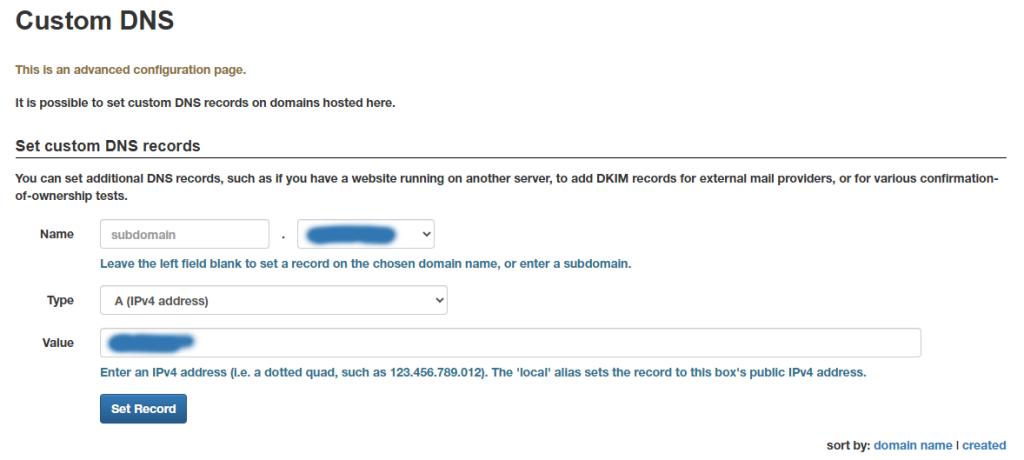
Once set, let DNS propagate for a few minutes and now “example.com” will use the new IP, this WILL NOT touch other DNS records. So mail will flow perfectly fine.